
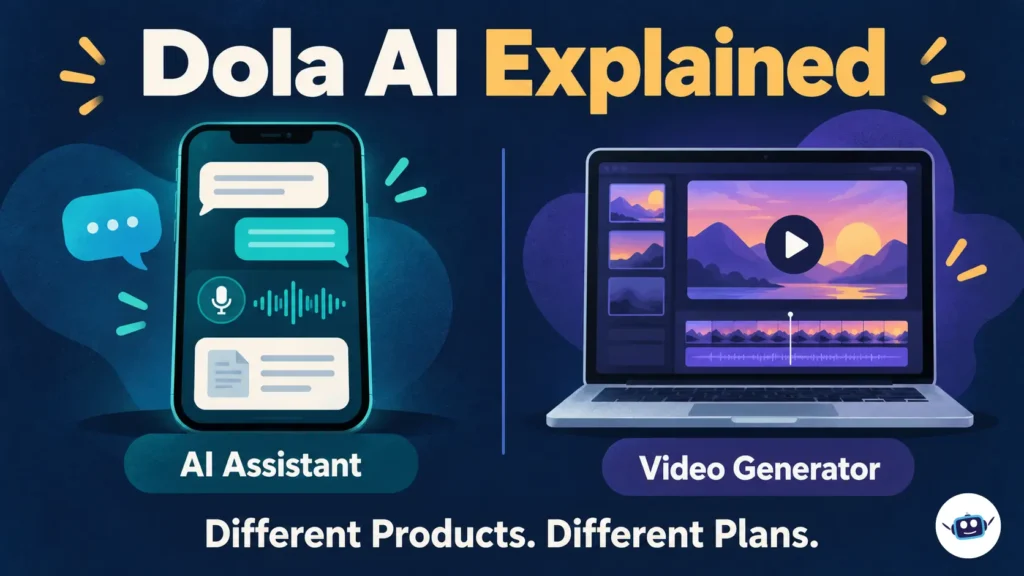
Dola AI is a general-purpose AI assistant for conversations, writing, learning, summaries and visual creation. It is the current branding of the assistant previously known as Cici. However, the similarly named service at dolai.video describes itself as an independent AI video generator. These are separate products, with different subscriptions and terms.
For anyone choosing an AI tool, that distinction comes first. This guide explains the assistant’s documented features, its free and paid options, privacy controls, regional limitations and the practical checks that matter before subscribing.
What Is Dola AI, and Is It the Same as Cici?
The assistant at dola.com is provided by SPRING (SG) PTE. LTD., a Singapore company. Google Play identifies the same developer for the Dola: Smart AI Assistant app.
The older ciciai.com address now redirects to Dola’s chat interface, while the Cici mobile-download page carries Dola branding. That explains why searches for Dola still surface Cici pages. An older name or address does not necessarily identify a separate assistant.
The video generator requires a different distinction:
| Name or address | What it refers to | What to check |
|---|---|---|
Dola at dola.com | General AI assistant | Features, account settings and subscription limits |
Cici and ciciai.com | Earlier branding and an address associated with the assistant | Whether the page leads to the current Dola service |
Dola AI at dolai.video | Independent browser-based image and video generator | Generation credits, export settings and licensing |
Do not assume a subscription to one service pays for another. The same naming problem appears elsewhere in AI, as our guide to Chroma AI’s different products explains.
What Can the Dola AI Assistant Do?
Dola’s Trust Center describes a multimodal assistant. In practical terms, it supports more than typed conversations: its documented capabilities include voice interaction, image and video generation, writing, translation, and summaries of files or webpages.
Its official materials describe availability across mobile, web and desktop platforms. Individual features can vary by location and account, so a feature shown in one platform’s listing should not be treated as a promise for every installation.
Writing, explanations and personal study
The developer’s Google Play description lists brainstorming, editing drafts, explaining complex topics and working through math questions. These capabilities lend themselves to focused personal tasks, such as improving a resume paragraph or understanding a difficult passage.
A useful instruction would be:
Rewrite this personal email in clear, polite English. Keep every date and factual detail unchanged. Do not add promises or information that I did not provide.
For learning, ask for an explanation followed by a practice question. Check the reasoning against your course material before treating the response as correct.
Summaries and document questions
Start with material you are permitted to upload. Give the assistant a specific question rather than asking it to summarize everything indiscriminately.
For example:
Summarize the attached public report in five points. Separate the report’s findings from its recommendations, and identify anything the document does not establish.
Then compare important statements with the original document. A readable summary can still omit a condition, misread a table or merge separate ideas.
Our context engineering guide explains the broader value of selecting relevant information and giving an AI system clear boundaries.
Images, video and voice
The assistant’s visual and voice features make it useful for personal creative exploration. However, access to a generation tool does not establish a particular export resolution, daily allowance or right to sell the result. Those details belong to the current feature and subscription terms.
For an initial image request, specify the subject, layout, colors and intended aspect ratio. Inspect the finished output for incorrect text, distorted objects and details that contradict your brief.
Is Dola AI Free? Understand the Paid Plans
Dola has a free option, but descriptions of the assistant as completely free without limits are incomplete.
The developer’s current Apple App Store description names three paid plans: Plus, Pro and Max. It says free users retain basic chat and web search, while features including work tools, image and video generation, and voice calls have limited daily use. Advanced capabilities have plan-specific allowances.
That listing is from the UK storefront. Its prices should not be presented as U.S. subscription prices or converted into a supposed U.S. offer. Dola’s terms also say fees can vary by jurisdiction and access method.
Before paying, compare the offer available to your account on these points:
- The recurring charge and billing interval.
- The allowance for the particular feature you need.
- Whether a limit resets daily, monthly or on another schedule.
- Which payment provider manages cancellation.
- Whether the plan supports your intended use.
For app-store subscriptions, Dola’s terms direct users to cancel through their app-store account. Keep the purchase receipt so you can identify the correct subscription later.
U.S. availability needs a regional check
Dola’s terms explicitly say availability and functions can differ between jurisdictions. An accessible website or an overseas app listing does not establish that the same app and paid plans are offered to a U.S. account.
Use the official service and your local app-store listing as the reference. If the app is unavailable there, an unofficial download is not evidence that the provider supports your region.
What Is the Independent Dola AI Video Generator?
The service at dolai.video focuses on creating images and short videos in a browser. Its own FAQ says it is independent and unaffiliated with other brands. Its About page describes text-to-video and image-to-video workflows, along with account history and credits.
This explains a confusing search result: both products can mention image or video creation, but overlapping features do not make them the same platform.
Published video-generator pricing
The video service’s homepage and dedicated pricing page display the following monthly offers:
| Plan | Displayed monthly price | Included credits | Advertised video quantity |
|---|---|---|---|
| Basic | $19.90 | 800 | Up to 40 per month |
| Pro | $39.90 | 2,000 | Up to 100 per month |
| Enterprise | $99.90 | 6,000 | Up to 300 per month |
These are the video website’s displayed prices, not prices for the Dola assistant. The provider says local currency and applicable taxes appear at checkout.
Treat the video quantities as advertised maximums. The site says generation costs depend on the model and settings, and credits also cover image generation. Spending credits on one type of output leaves fewer for another.
The useful budget measure is total credits spent divided by usable outputs. Include retries and discarded generations when deciding whether a plan fits your project.
Dola AI Privacy: What Happens to Your Chats?
Dola’s privacy policy says it collects content supplied through the service, including prompts, chat history, files, recordings and photos. It also describes device and usage information, international data transfers, and sharing associated with service providers and integrated AI tools.
That makes the data path worth understanding before an upload. A file on your laptop does not remain local simply because you select it from a desktop app.
Model training, memory and personalization are separate
Dola’s model-training FAQ says questions and generated responses may be used to train models developed by the company and its affiliates unless you opt out. It instructs users to switch off the relevant controls in account settings and says new conversations will then be excluded from training.
That promise concerns new conversations. It should not be expanded into a claim that the setting removes earlier training contributions or deletes every retained record.
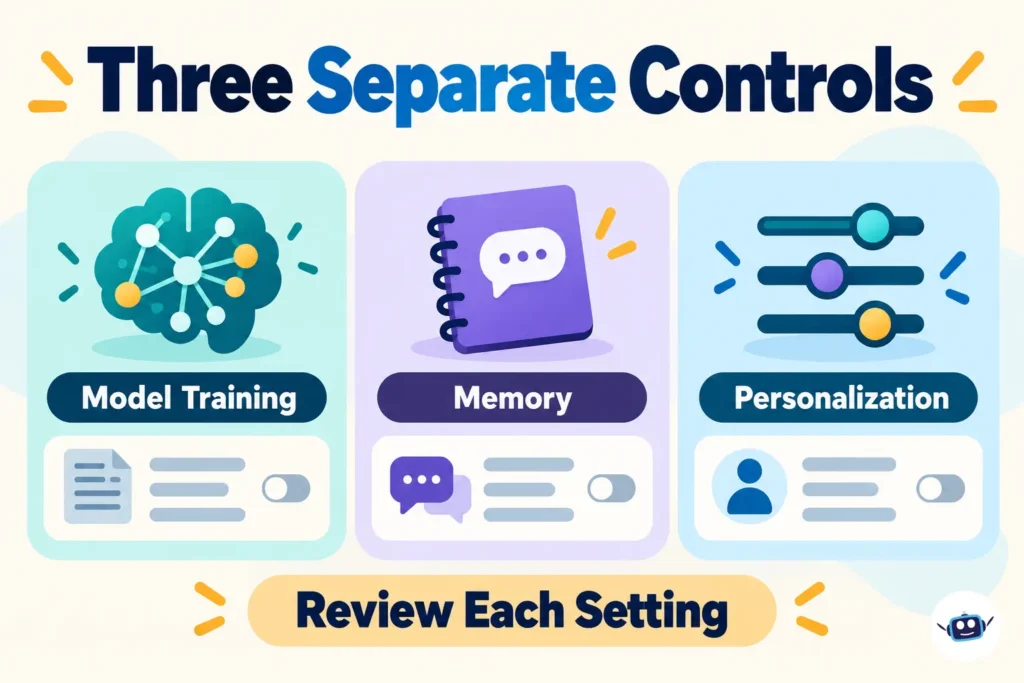
The Trust Center separately identifies controls for memory and personalization. Think of the choices this way:
| Control | What it addresses |
|---|---|
| Model-training preference | Use of conversations to improve models |
| Memory preference | Use of chat history to support more relevant responses |
| Personalization preference | Tailoring such as prompt recommendations |
Review each control individually. Switching off memory does not establish that training is disabled, and opting out of training does not establish that information is never stored or processed.
Keep sensitive material out of casual chats
The privacy policy specifically advises against submitting passwords, credit-card numbers and confidential information. Apply the same care to documents containing other people’s details.
For a personal learning exercise, use a public document or a short passage with identifying details removed. Treat an AI-generated description of its own privacy practices as something to check against the actual policy.
Can You Use Dola AI for Commercial Work?
This question needs particular care because the assistant’s marketing discusses productivity, while its general terms specify private, noncommercial use.
Consequently, a paid subscription should not be treated as automatic permission for client work, commercial publishing or business integration. Check the permission applicable to the exact service and intended activity before relying on it commercially.
The independent video site has different wording. Its FAQ says paid plans include commercial use, while its pricing cards explicitly list a commercial-use license under Enterprise. Obtain clear confirmation of the license covering your chosen plan before using its output for clients.
Keep the service’s permission separate from any rights needed for uploaded photographs, recognizable people, music or other source material.
How to Start Using Dola AI Sensibly
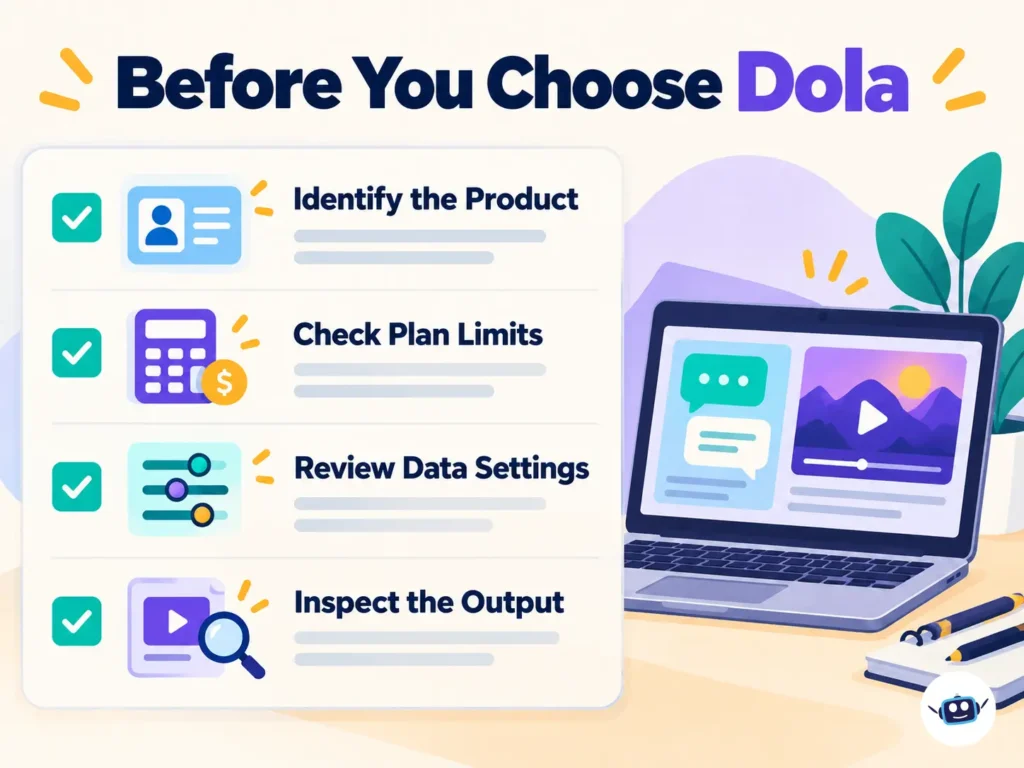
- Identify the product. Decide whether you need the general assistant or the independent video generator.
- Verify the publisher. For the assistant, compare the app’s developer with SPRING (SG) PTE. LTD. and follow the official download route.
- Check account controls. Review training, memory and personalization settings before adding personal material.
- Choose one small task. Start with a public passage, a personal draft or an original creative idea.
- Set clear boundaries. Specify the desired format and tell the assistant which facts it must preserve.
- Inspect the result. Compare summaries with their sources and creative outputs with the brief.
- Pay only for an identified need. Match the subscription to a limitation you actually encounter.
For programming questions, distinguish explaining code from operating on a project. Our comparison of AI coding agents and chatbots explains why file access and execution permissions change the evaluation.
Practical Insights
These recommendations follow from the published product information and policies; they are not results from independent hands-on testing.
Compare the complete task
Judge a summary by the corrections it needs, an image by whether it meets the brief, and a video by whether its export is usable. An impressive first response does not tell you how much editing or regeneration a complete task will require.
Record the conditions of an evaluation
Keep a short record of the product, platform, plan and relevant settings. This helps explain why an example from another account may behave differently without assuming the underlying AI has changed.
Separate convenience from permission
A tool may make an activity easy while its terms limit how the service can be used. Resolve that question before building a paid workflow around it, particularly where the assistant and video website use different licensing language.
Avoid decisions based on a product name alone
“Dola AI” is not a complete technical specification. For a model-sensitive task, look for the model information disclosed for that feature rather than assuming every request uses one particular LLM or video model.
Frequently Asked Questions
What is Dola AI used for?
The general assistant supports tasks such as writing, explanations, translation, summaries and visual creation. The independent video generator concentrates on producing images and short clips from prompts or uploaded pictures.
Is Dola AI the same as Cici?
Dola is the current branding of the assistant previously known as Cici. The older Cici address redirects to Dola, and the Cici mobile-download page now uses Dola branding.
Is Dola AI completely free?
The assistant has a free option alongside paid plans named Plus, Pro and Max. Free access should not be confused with unlimited access to advanced features or creative generation.
Is Dola AI available in the United States?
Dola says availability and features vary by jurisdiction. A UK or other overseas listing does not confirm U.S. access, so the official offer available to a U.S. account is the relevant reference.
Can Dola use my conversations for AI training?
Its training FAQ says questions and responses may be used for model training unless you opt out. It says new conversations will be excluded after you disable the relevant setting.
Are Dola and dolai.video connected?
The video website describes itself as an independent service unaffiliated with other brands. Treat its billing, credits and policies separately from those of the Dola assistant.
Can I use Dola AI output for my business?
The assistant’s general terms specify personal, noncommercial use, so paying does not by itself establish business-use permission. The independent video service publishes separate commercial-use statements that should be checked against the selected plan.
Can children use Dola AI?
The assistant’s terms set a general minimum age of 13, with potentially higher requirements depending on location. Users under 18 need parental or guardian permission, and some features are restricted for younger users.
Conclusion
Start by identifying which Dola product you need. For the assistant, check regional access, subscription limits and data controls; for the independent video generator, check credits, export requirements and the license attached to the plan.
Use a small, non-sensitive task to assess usefulness before subscribing. The strongest reason to pay is a clear match between your task and the service’s documented capabilities, allowances and permissions.
Disclaimer
Information current as of October 2026. Dola’s features, prices, usage limits, regional availability and policies can change, so confirm the current details with the relevant official provider before subscribing or choosing a workflow. This guide provides product information and practical analysis, not a guarantee of output accuracy or permission for a particular commercial use.